
Native WhatsApp Gateway for WooCommerce
Send real-time WooCommerce order updates, downloadable PDF invoices, WhatsApp OTP authentications, and instant admin sales alerts, powered by your self-hosted OpenWA server with zero per-message API fees.
Built for WooCommerce Store Owners & Developers
Everything you need to automate customer communications directly via WhatsApp.
Order Status Triggers
Automated notifications for Pending, Processing, Completed, On-Hold, Cancelled, Refunded, and Failed WooCommerce orders.
PDF Invoice Attachments
Attach official tax invoices (via WooCommerce PDF Invoices plugin) directly to WhatsApp messages for easy customer download.
WhatsApp OTP Verification
Authenticate users and verify customer billing phone numbers securely via instantaneous 6-digit WhatsApp OTP codes.
Admin Sales & Digest Alerts
Receive real-time notifications on store owner WhatsApp numbers whenever a new sale occurs, plus daily sales summaries.
Dynamic Shortcodes
Customize every message template with order data like {order_id}, {order_total}, and {customer_name}.
Multi-Session QR Scan
Authenticate WhatsApp directly from the WordPress Admin Dashboard using a quick QR code scan. No external dashboard needed.
WordPress Admin Interface Screenshots
Click a tab below to preview the WordPress plugin administration screens.
Admin Dashboard
Overview of WhatsApp Gateway status, connected sessions, and messaging health.
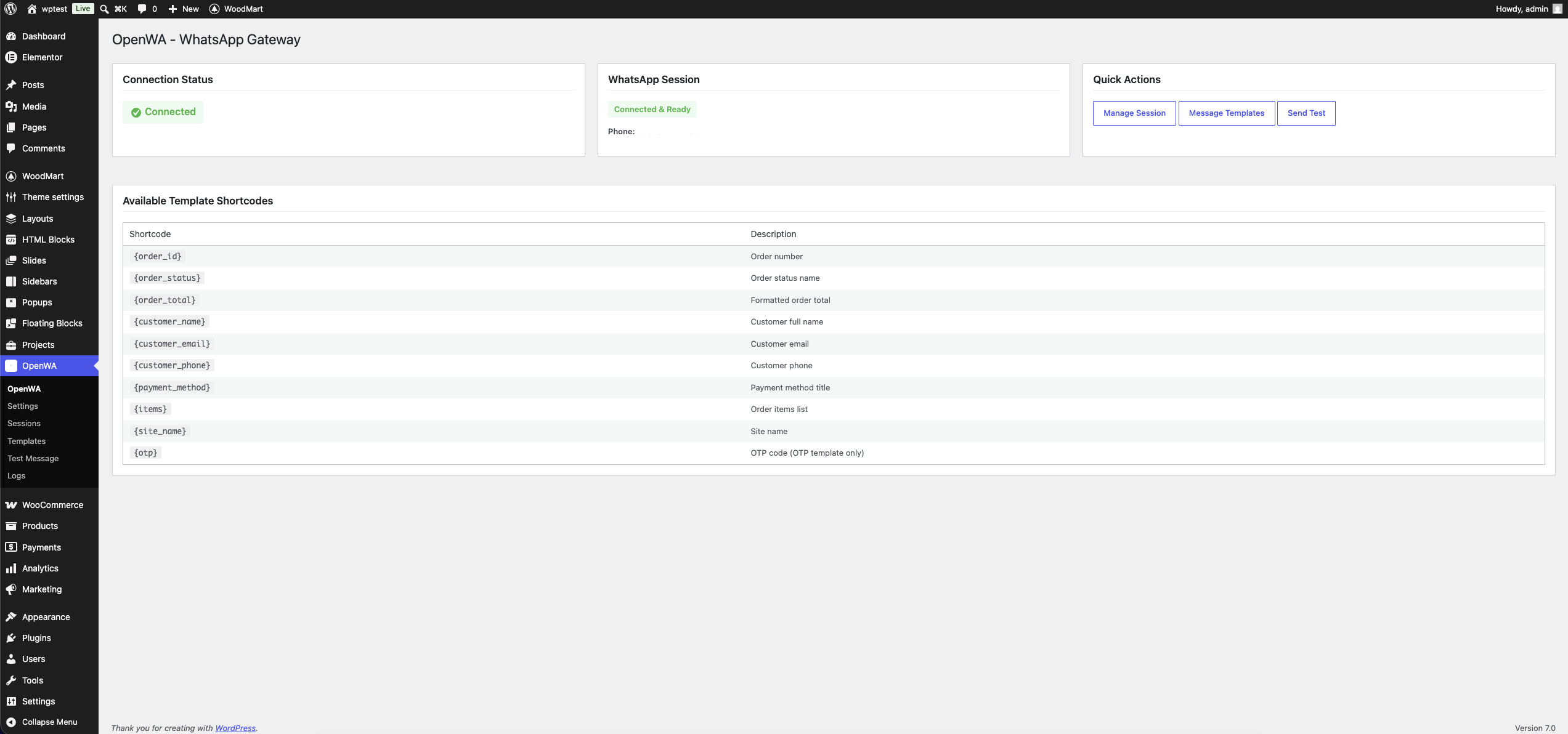
Shortcode Template Playground
Select a notification event below to preview how your WooCommerce messages will look inside WhatsApp.
{order_id}WooCommerce Order ID{customer_name}Customer Full Name{customer_phone}WhatsApp Billing Phone{order_total}Formatted Order Total{pdf_invoice_link}Direct PDF Invoice URL{otp_code}6-digit OTP verification codeWooCommerce Store
Official WhatsApp GatewayVideo Setup & Installation Guides
Watch step-by-step video tutorials to set up OpenWA server and configure the WordPress plugin.

OpenWA Gateway Server Setup
Learn how to host and run your own OpenWA server instance for WhatsApp automation.
Watch Installation Guide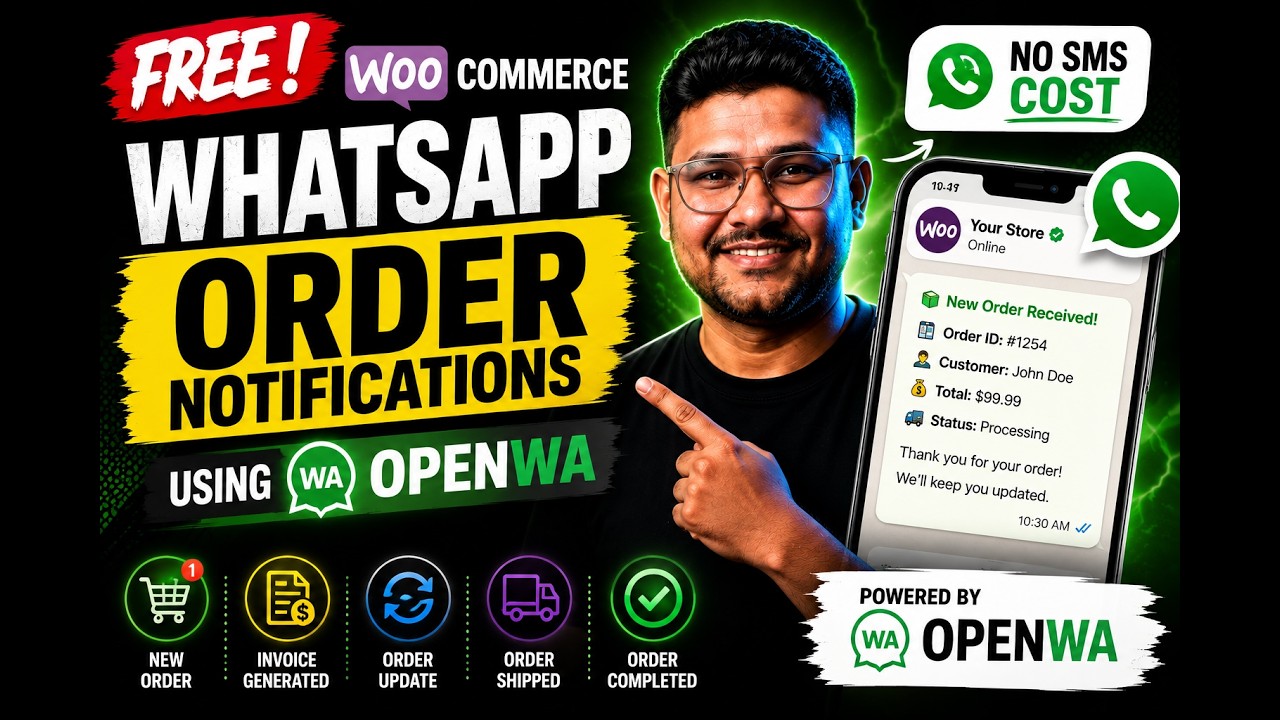
Plugin Walkthrough & Setup
Complete walkthrough for configuring OpenWA plugin settings, templates, and QR code sessions.
Watch Plugin WalkthroughQuick Installation & Setup
Get your WooCommerce store connected to WhatsApp in 4 easy steps.
Install Plugin
Download ZIP and upload via Plugins → Add New, or copy into wp-content/plugins/.
Configure Gateway
Navigate to OpenWA → Settings and enter your self-hosted OpenWA server URL and API key.
Scan QR Code
Open OpenWA → Sessions, generate a session, and scan the QR code with WhatsApp.
Set Templates
Customize message templates in OpenWA → Templates using shortcodes and start automated sending!
Frequently Asked Questions
Everything you need to know about the OpenWA WhatsApp Gateway plugin.