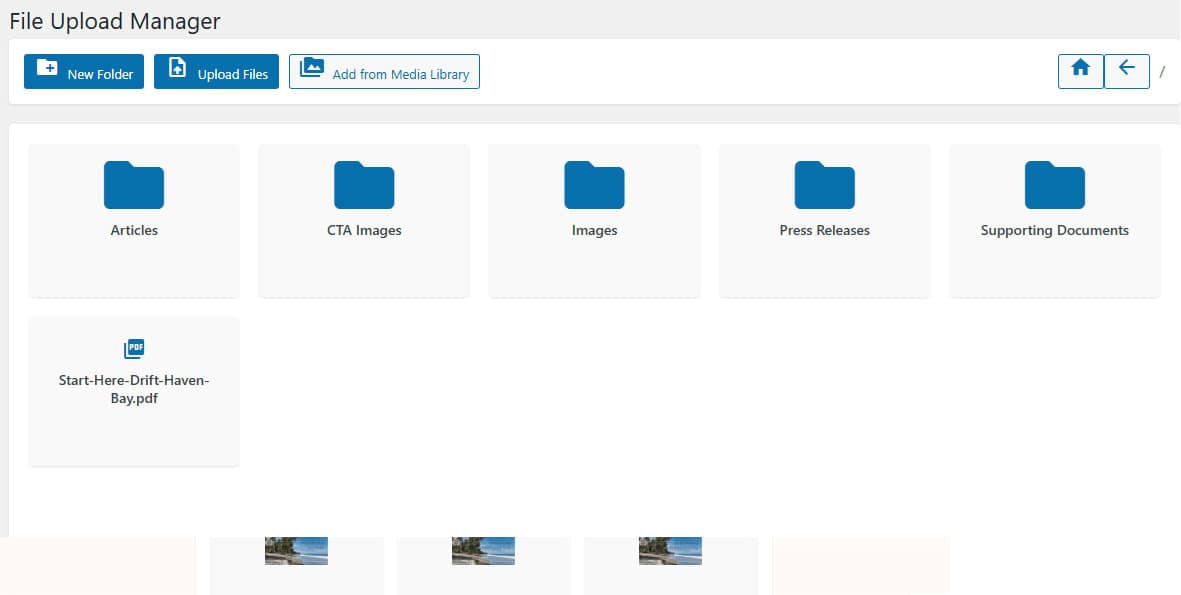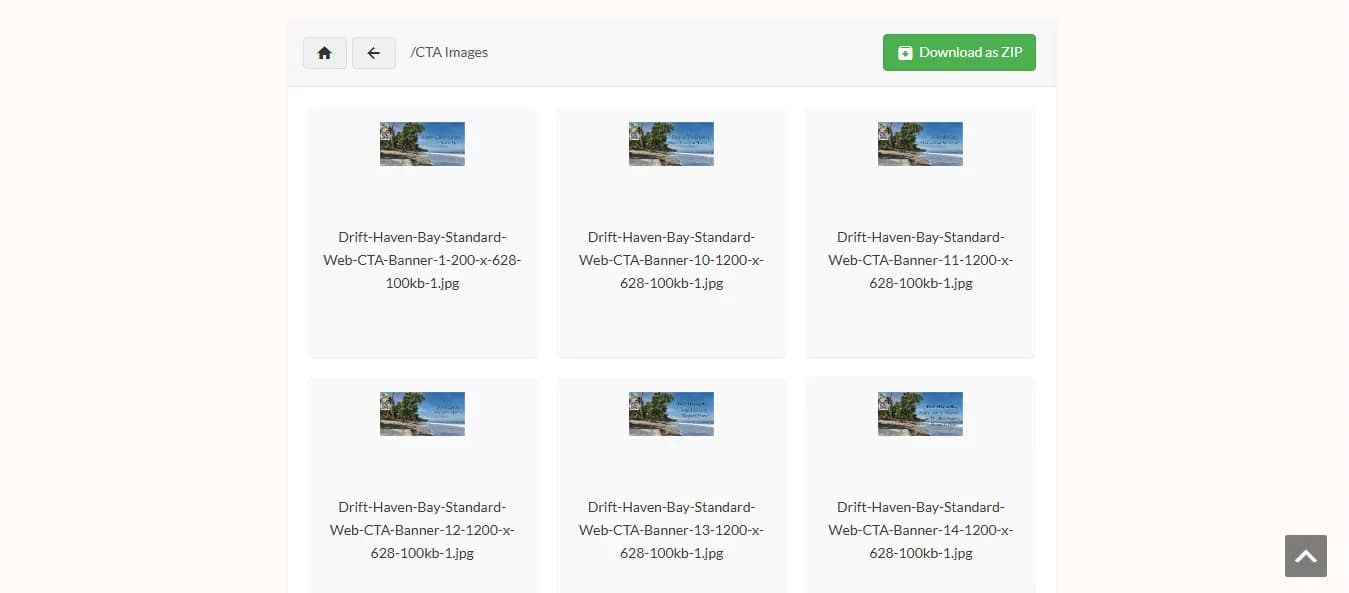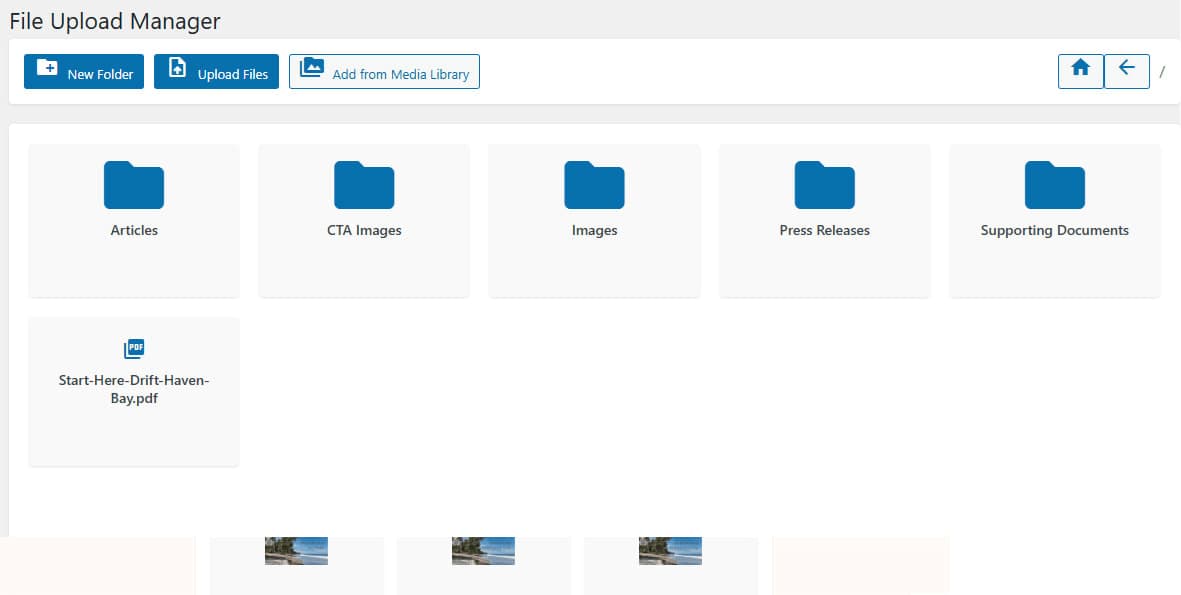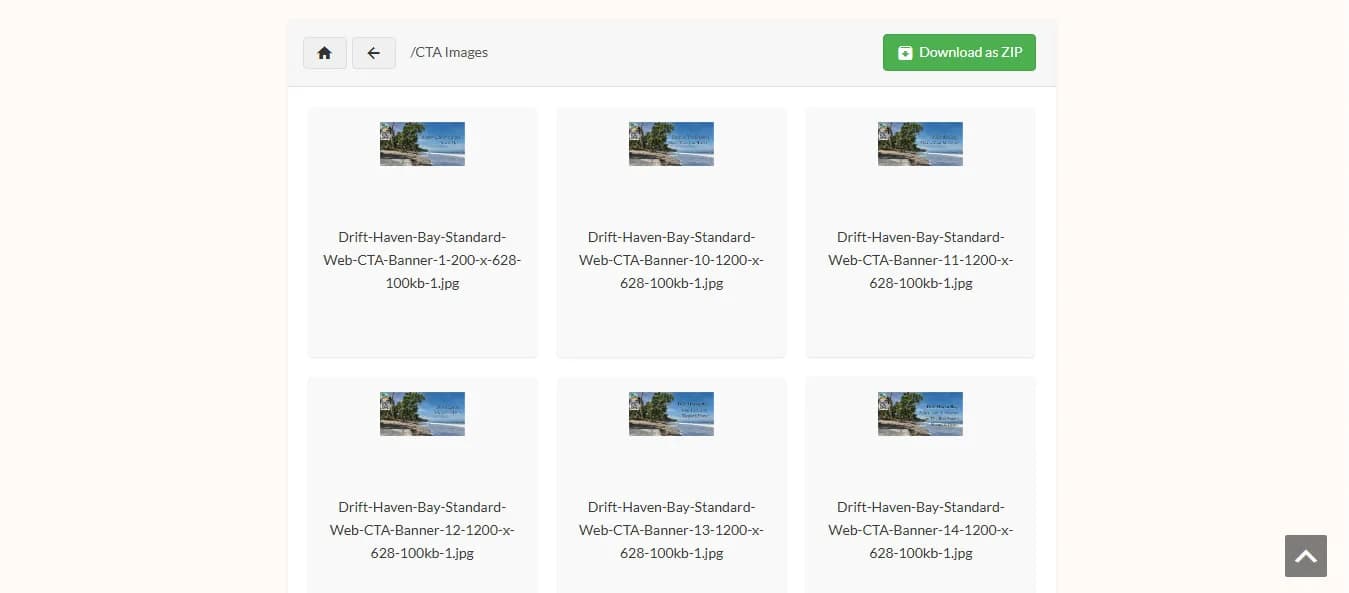
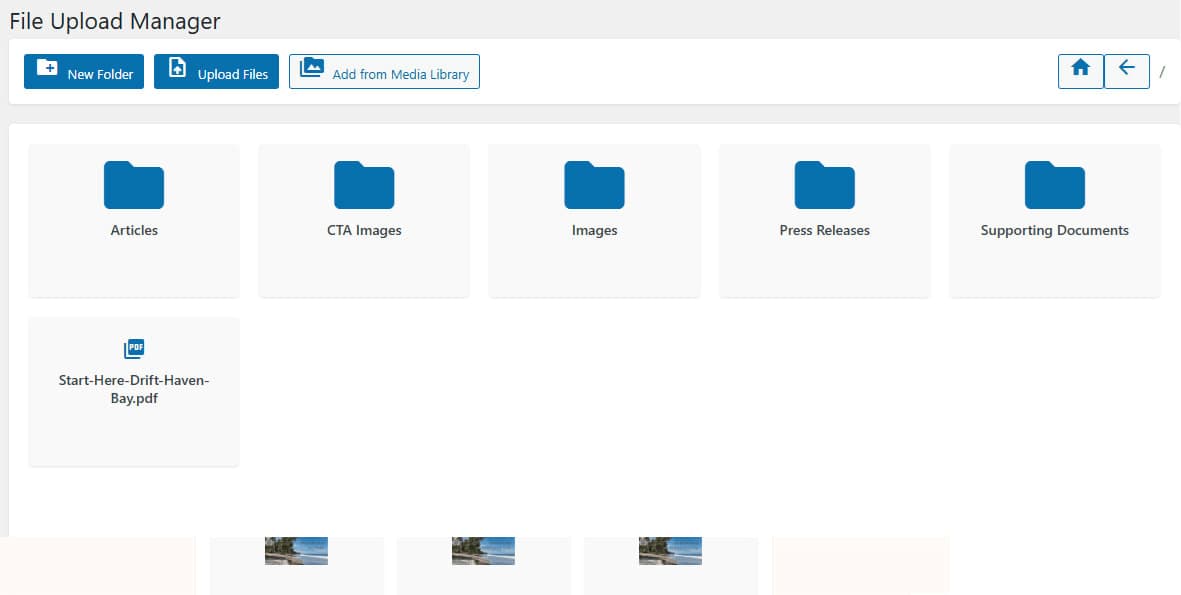
Frontend File Explorer
A high-performance, shortcode-driven file and media management interface for WordPress. Provide your clients and users with an intuitive, desktop-grade folder browser, AJAX drag-and-drop uploads, and secure ZIP downloads directly on your frontend pages.
Live Frontend Explorer Simulator
Experience how the file browser feels for your site visitors. Try switching folders, searching files, and toggling layout modes!
| Name | Size | Action |
|---|---|---|
| Project_Specification_v2.pdf | 2.4 MB | |
| Brand_Assets_Logo.png | 1.8 MB | |
| Client_Brief_Approved.docx | 850 KB | |
| Full_Website_Backup.zip | 45.2 MB | |
| Product_Mockup_Dark.png | 3.1 MB |
Configure Your Shortcode
Customize attributes to embed full-featured or compact file managers anywhere on your site.
[frontend_file_explorer dir="documents" view="table" allow_upload="true" allow_zip="true"]Plugin Dashboard & Features Showcase
Click a screenshot tab to explore the admin and frontend functionality.

Frontend Explorer UI
Responsive breadcrumbs, folder navigation toolbar, and action menu.
Powerful WordPress Features
Everything required for smooth, secure frontend document management.
Breadcrumb Navigation
Responsive breadcrumbs and desktop-grade folder tree views for deep directory structures.
AJAX Drag & Drop Upload
Upload multiple files directly from frontend pages without page reloads or layout shifts.
Sanitized Path Security
Nonce-protected endpoints, role-based access control, and strict directory traversal prevention.
1-Click ZIP Download
Stream complete folders as single ZIP archives on the fly for effortless client distribution.
Role Permissions
Restrict upload or download capabilities based on WordPress user roles (Admin, Editor, Subscriber).
Lightbox Media Preview
Instant image, video, and PDF document preview modals directly within the explorer toolbar.
Frequently Asked Questions
Everything you need to know about Frontend File Explorer for WordPress.